
eSănătateaMea: how patients access their prescriptions and medical history online
CNAS explains step by step how to enrol via ROeID in the eSănătateaMea portal, launched on 1 September, for viewing prescriptions and medical history.
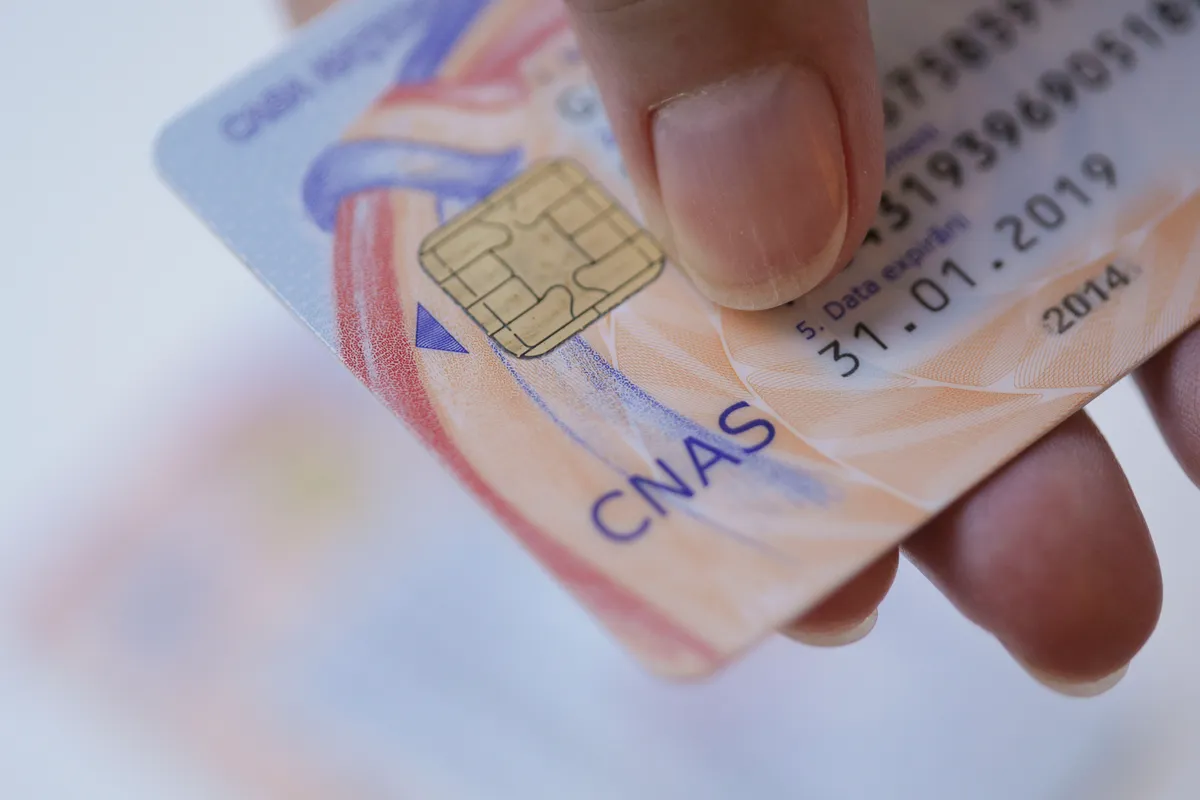
The National Health Insurance House (CNAS) provided additional details on Wednesday about the eSănătateaMea portal, launched on 1 September as a single online access point for medical information and services, intended for both patients and healthcare providers.
Important for all insured persons: the national health card remains valid, and access to medical services is not conditional on creating an account in the new portal.
What information can a patient view
Once enrolled, a patient can view: their insured status; the service package (minimal or basic) they are entitled to; prescriptions issued in the last 5 years; medical history from the last 10 years; the history of reimbursements made by CNAS to providers (in points or monetary value); the status of the health card and the Card Identification Code (CID); the health insurance house they belong to, along with contact details; as well as the list of specialist outpatient providers with whom they can book appointments online — a list that will be updated as more providers choose to register voluntarily.
CNAS warns: "Not all modules and portal functionalities will be available from the moment of launch", as these will be introduced in stages. As modules become operational, users will also be able to make and manage medical appointments, access medical results, and identify providers.
How to create an account, step by step
Citizens can access the portal at https://portal.esanatateamea.ro, with authentication carried out via ROeID, the national digital identity system that also ensures the protection of personal medical data. The steps are:
- Activating the ROeID account – the application can be installed from the App Store or Google Play, following the in-app instructions (details at roeid.ro/cetateni). Due to the high level of security, identity verification may take between 24 and 72 working hours, particularly during periods of high demand, which is why CNAS recommends activating ROeID in advance.
- Accessing the eSănătateaMea portal and selecting the "Sign in with ROeID" option.
- Authenticating with the e-mail address and password of the ROeID account (details must be accurate and up to date).
- Granting consent for the use of information from ROeID.
- Completing the process, after which the eSănătateaMea account becomes active.
After enrolment, subsequent logins are straightforward, using an e-mail address, password, and the code generated by the authentication application. CNAS states: "Although the initial process may involve several steps, particularly when activating ROeID, these are necessary to protect access to medical information. Once enrolment is complete, subsequent authentication is simplified."
Technical support and data security
Anyone experiencing difficulties with enrolment, activation, or authentication may write to esm@cnas.gov.ro.
CNAS notes that all providers in a contractual relationship with the health insurance houses are already enrolled in the platform, and medical forms issued by them are automatically uploaded to the portal and visible to patients. Providers wishing to accept online appointments through eSănătateaMea must request access credentials from the health insurance houses.
Phased implementation
CNAS announces that, in the coming period, access to the portal will also be available through healthcare providers. The institution will continuously keep providers and insured persons informed about the next stages and new functionalities, whilst also organising training and feedback sessions with medical providers to test functionalities and address any technical issues.
Content paraphrased and adapted by SeniorHelp from verified public sources.
Original source: Digi24 →Previous article
Minimum wage raised to 3,700 RON, but purchasing power has fallen by 8%
Next article
What Tests Show Whether Your Kidneys Are Functioning Well
Similar news

New law: savings and investment accounts for retirement, based on the American 401(k) model
16 October 2026

Pensions indexed from 2027 and capped salaries: what the Niculescu Government's programme provides for
15 October 2026

Niculescu Government promises extended energy bill support and gradual gas liberalisation
15 October 2026

AUR proposes retirement at 60 for people diagnosed with cancer
15 October 2026
College of Physicians calls for government reforms: on-call duties paid at 2017 salary levels
14 October 2026
 Foto ilustrativă
Patients with chronic illnesses warn they risk running out of treatments. Appeal to authorities
14 October 2026